How to Set Your Captain and Vice Captain
How to choose your captain and vice-captain, and how their points are doubled.
Overview
Your captain and vice-captain are set from your Current 11 page. Your captain's points are doubled each gameweek; if your captain doesn't play, your vice-captain's points are doubled instead.
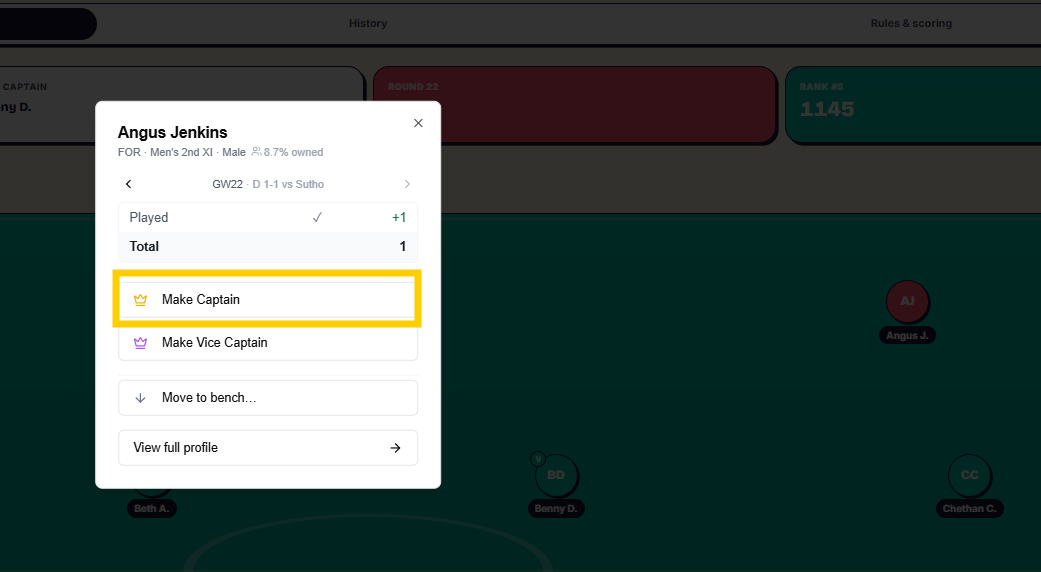
Set your captain and vice-captain
- Go to your Current 11 page.
- Click a player.
- Click Make Captain or Make Vice Captain.
- The yellow C or green V badge moves to that player's picture.
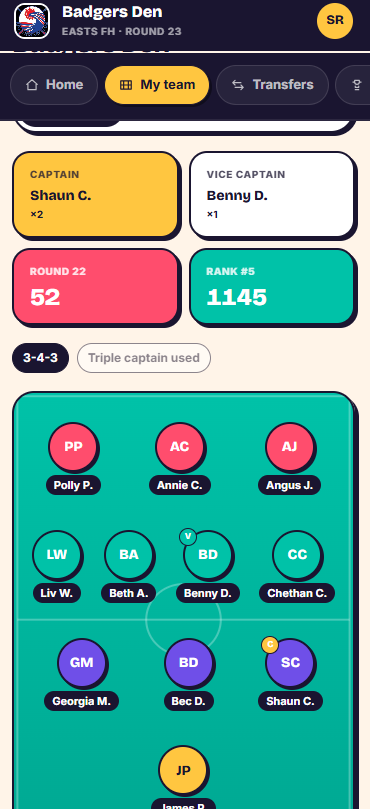
Use a Triple Captain card
- Look for the Triple Captain card above your lineup.
- It's grayed out if you haven't got one to use, and shows in purple when you do.
- Activate it to triple — rather than double — your captain's points for that gameweek.


Things to know
- If neither your captain nor your vice-captain plays, the points bonus doesn't pass to anyone else that gameweek.
- Triple Captain cards are given out by your admin at their discretion — you can't activate one until you've been given one.
Was this article helpful?